
If you are looking for an n8n developer in Dubai, the job you have in mind may well include moving existing Zaps across from Zapier, so this guide covers both the hire and the migration. It explains what an n8n developer actually takes care of, when you need one and when you do not, how a Zapier to n8n migration runs from export to cutover, and which questions tell you whether the person you hire will leave you with something you can run without them.

What an n8n developer actually does
Building the workflows is only part of the job. A good n8n developer also decides where n8n runs, sets up the credentials that connect it to your apps, adds error handling so a failed run does not go unnoticed, and documents each workflow so someone else can change it later. If n8n is self-hosted, the developer or your own team also has to look after the server. The n8n page on choosing how to use n8n says self-hosting needs technical expertise for installation and configuration, while n8n Cloud needs no installation.
The work also changes once the migration is done. Apps change their APIs, tokens expire and new steps get added to old processes, so most of the long-term value sits in how easy the workflows are to maintain, not in how quickly they were first built.
When you need a developer and when you do not
A short, linear Zap that copies a form submission into a sheet and sends a notification can usually be rebuilt in n8n by someone on your operations team who is comfortable with the editor. You do not need to hire anyone for that.
A developer earns their keep when the work goes further than that. Self-hosting n8n on your own server is the clearest case, whether you want it for control or because of how you handle customer data. Webhooks from other systems are another, since they have to be re-pointed without losing events. So is logic that Zapier handled with Paths, Formatter steps or code, and any app that has no built-in n8n node, which means working with its API directly through the HTTP Request node. Customer messaging on WhatsApp also belongs here, because the official API comes with its own rules.
Before you decide, it is worth checking whether the move pays for itself at all. Zapier, Make and n8n count usage in different ways, and our breakdown of how n8n, Zapier and Make count usage works through one workflow on all three, which shows where the difference comes from. To turn that into a yes or no, the method in our guide on how to calculate automation ROI includes the costs that are easy to forget, such as the developer’s time, the hours spent checking failed runs and ongoing maintenance.
How a Zapier to n8n migration works
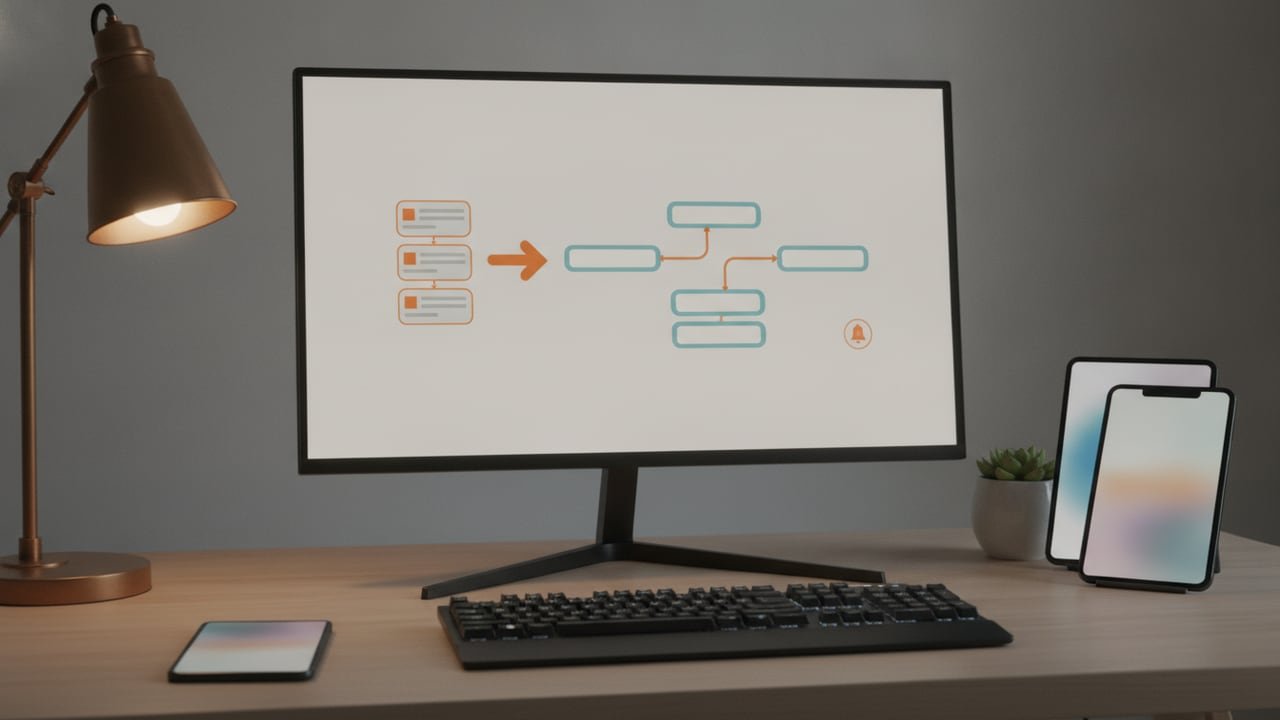
There is no button that converts Zaps into n8n workflows. The migration guides we reviewed, including NordFlux’s Zapier to n8n translation guide and Automation Atlas, all describe it as a rebuild by hand. That sounds slower than it is, because the rebuild is also the moment to fix what never worked well. A sensible migration follows roughly this order.
- Export what you have. Zapier lets you export your account data, which arrives by email as a ZIP file containing a Zapfile.json with all undeleted Zaps and the input and output values of each step. You can also export your Zap history as CSV or JSON, up to 5,000 runs at a time. Neither file opens in n8n, but together they are the specification for the rebuild and a record of what real data looks like.
- List and rank every Zap. Note its trigger, the apps it touches, how often it runs and who depends on it. Start with the Zaps that run most often and are simple, and leave the business-critical ones until the team trusts the new setup.
- Decide where n8n will run before building anything. Moving between n8n Cloud and a self-hosted server later changes every webhook address and means reconnecting the apps a second time.
- Rebuild the logic, not each step. Zapier’s Filter becomes n8n’s Filter node, Paths become an If node or a Switch node, a Catch Hook becomes a Webhook node, and Formatter steps become Edit Fields or a Code node. One detail matters here. The Switch node’s fallback setting is None by default, which means an item that matches no rule is simply ignored. Set a fallback output, or records that do not fit any path will disappear without an error.
- Reconnect every app with new credentials created in your company’s accounts. Credentials do not move across from Zapier, and this is the moment to give each one only the access it needs.
- Test with the test URL, then publish. The Webhook node documentation explains that n8n registers a test webhook when you listen for a test event and a production webhook when you publish the workflow. Production runs do not show data in the editor, so check them in the Executions tab instead.
- Run both systems side by side only where it is safe. Comparing outputs is useful, but if both the Zap and the workflow write to the same CRM or send the same email, customers get everything twice. Send the n8n copy to a test destination during this stage.
- Cut over and keep a way back. Point each source app’s webhook at the n8n production URL, turn the Zap off rather than deleting it, and keep it until the n8n workflow has handled a full normal cycle of real work.
Error handling deserves its own step, because in n8n you set it up yourself. The n8n guide to handling errors describes an error workflow that starts with an Error Trigger node, which you then select in the settings of each workflow you want to watch. One error workflow can cover many workflows. Keep in mind that the Error Trigger only fires when an automatic run fails, so you cannot test it by running a workflow by hand. Trigger a real failure on purpose before you rely on it.
Who should own what when the developer is gone
The most expensive migration is the one you cannot maintain after the developer moves on. The n8n Cloud account or the server, every credential and every app connection should sit in accounts registered to your company, with the developer given access. Our guide to choosing an AI automation agency in Dubai covers ownership questions in general. For n8n, two settings make a practical difference.
Calculating End of Service for your employees?
Use our 100% free, private Gratuity Calculator updated for UAE Decree 33.
Calculate GratuityThe first is credential sharing. According to the n8n documentation on sharing credentials, it is available on every n8n Cloud plan and on the Business and Enterprise plans for self-hosted n8n. People who use a shared credential cannot view or edit its details, so a developer can build with your credentials without holding the secrets themselves.
The second is version history. The n8n page on workflow history says all users can restore versions from the last 24 hours, n8n Cloud Pro keeps five days, and full history is an Enterprise feature. Named versions, which n8n never deletes automatically, are available on Cloud Pro and Enterprise and on self-hosted Business and Enterprise. If your plan only keeps a day of history, agree with the developer how changes are recorded and how a copy of each workflow is kept outside n8n.
The licence question when someone else builds for you
Self-hosted n8n comes under the Sustainable Use License, which allows use for your own internal business purposes. The same page says you are free to offer commercial consulting or support services, such as building n8n workflows, so hiring a developer or agency to build workflows for your business is covered. What falls outside the licence is making n8n available to your customers so that they connect their own accounts and build workflows. If you plan anything like that, n8n asks for a separate commercial agreement, and the page points to license@n8n.io for cases that are not clear.
UAE data rules and where n8n runs
For UAE businesses, the location of n8n matters because workflows often pass customer names, phone numbers and order details between apps. The UAE government portal explains that Federal Decree-Law No. 45 of 2021 prohibits processing personal data without the owner’s consent, apart from some exceptions, and that the law sets out requirements for transferring personal data across borders. It also lists the DIFC’s own data protection law among related laws, so a business in a financial free zone may follow different rules.
Self-hosting gives you full control over where data is stored and processed, at the price of running the server. With n8n Cloud, ask n8n where your instance is hosted and compare that with what your customers have agreed to. Remember that the apps on either side of each workflow store data too. This is general information, not legal advice, so check anything sensitive with a lawyer who works on UAE data protection.
Questions to ask an n8n developer in Dubai
These questions are specific to n8n and sit alongside the general ones you would ask any automation provider.
- Where will n8n run, who pays for and updates the server, and what happens if it goes down at night?
- Will every credential be created in our accounts, and will you use shared credentials so you never need our secrets?
- How will you handle a Zap that uses Paths, and what happens to items that match no path?
- What does the error workflow do, who receives the alert, and how will you prove it works before cutover?
- How will both systems run during testing without sending customers duplicate messages or records?
- For WhatsApp workflows, will you use the official WhatsApp Business Platform?
The last question matters more than it looks. Some setups connect n8n to WhatsApp through an unofficial gateway that logs in as a normal WhatsApp account, which WhatsApp’s terms of service make risky for business use. Our n8n WhatsApp bot tutorial on the official Cloud API explains the difference and what the official route requires.
Planning a move to n8n
Artin’s n8n consulting service covers migration from Zapier and Make, self-hosted setup, documentation and support for companies in the UAE and the US. If you are planning a move to n8n, book a free 30-minute strategy call and bring your list of Zaps.
Read next
If WhatsApp is part of the plan, the official Cloud API tutorial for n8n covers the one-webhook-per-app limit that can quietly break a live bot. If you are not sure the migration is worth the effort, our guide on calculating automation ROI walks through a full example. And if some of your Zaps are starting to include AI steps, the guide to intelligent automation in Dubai explains when plain automation is the better choice.